
QR-коды как простой инструмент для быстрого доступа к цифровой информации
QR codes are used to quickly navigate from printed materials to online resources. Using a QR code generator, you can create a link to a document, form, contact information, or other digital content. This is convenient for business, education, events, and personal projects.
How QR Codes Are Changing How We Interact with Information in Everyday Life
A QR code lets you quickly open the resources you need from your smartphone. On a poster, it can lead to an event program; on packaging, to instructions; and on a business card, to contact information.
This method is useful when there isn’t enough space on printed material to include all the information. The user scans the code and is immediately taken to the desired page.
If the information is updated regularly, it makes sense to use a dynamic QR code. In this case, you can change the link or page without having to reprint the code itself, which is convenient for event programs, menus, instructions, and promotional materials.
QR Codes for Business, Events, Advertising, and Digital Materials
Companies use QR codes to supplement offline materials with digital information. It’s important that, after scanning, the user immediately receives a clear and useful result.
The most common use cases are as follows:
- advertising materials — linking to a promotional page;
- tickets and badges — access to the event program;
- packaging — opening instructions or additional information;
- printed documents — linking to the current online version.
It’s best to include a brief note next to the code explaining exactly what will open after scanning. This helps the user understand its purpose before scanning.
You also need to consider the placement context. For posters, it’s important to be easy to scan from a distance; for packaging, readability in a small space is key; and for badges, quick access to information without extra steps is essential.
How to Create a QR Code for Different Types of Content
First, you need to determine what content should open after scanning. Contacts, documents, videos, or forms each require different types of digital pages.
| Content Type | What Opens |
| Business card | Contacts |
| Poster | Registration |
| Packaging | Instructions |
| Educational materials | File or video |
After creating the code, you need to test it on several smartphones. It’s important to evaluate its size, contrast, page loading speed, and whether the content displays correctly on a mobile device.
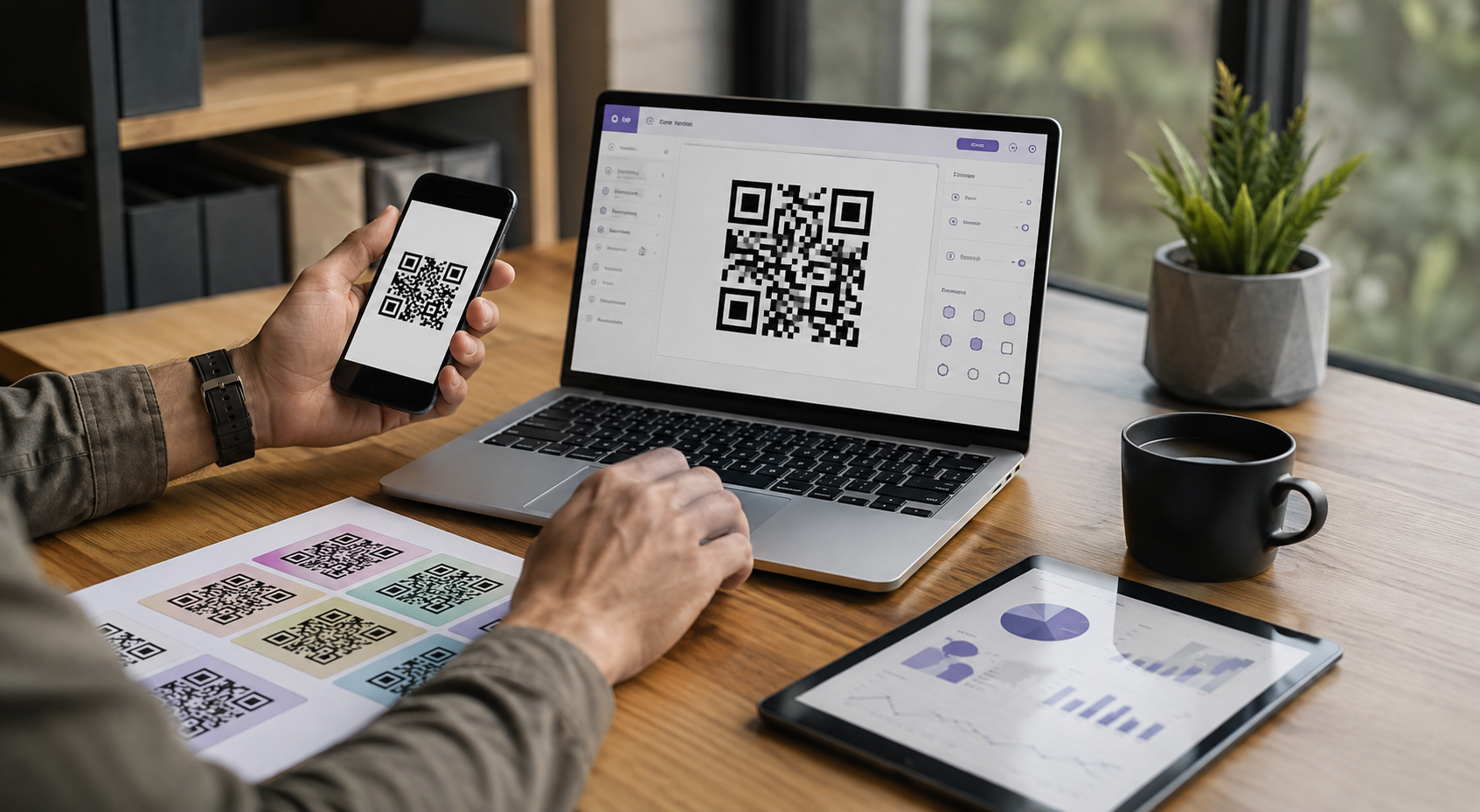
ME-QR is an international platform for creating, managing, and analyzing QR codes. The service supports dynamic codes, where you can change the link without having to reprint the code. Statistics on scans by time, location, and device type are also available.
Why Free QR Solutions Are Becoming More Accessible to Users
For a simple project, a free QR code generator may be sufficient. If the link won’t change and scan statistics aren’t needed, a static code is usually enough. This option is suitable for contact information, a permanent company page, instructions, or other content with a fixed URL.
For regular campaigns, the requirements become more extensive. Dynamic editing, analytics, and centralized management will be useful. A dynamic code allows you to change the page after printing materials, and analytics help you evaluate the number of scans, engagement time, and other available metrics.
When choosing a service, you should consider the number of codes, their duration of use, and the frequency of content updates. For businesses, bulk creation, organizing codes for campaigns, and granting multiple employees access to management features may also be important. These features simplify working with large volumes of materials.
Часто задаваемые вопросы
Can the link be changed after a QR code is printed?
Yes, if a dynamic code is used. The link can be updated without reprinting.
What kind of content can be linked to a QR code?
This can include websites, documents, videos, contacts, forms, maps, menus, and other online resources.
Are free QR codes suitable for business use?
Yes, if you need a static code without analytics, editing, or additional features.